#UI Design

#UI Design

#UI Design

#IoT

#IoT

#IoT

#Figma

#Figma

#Figma

IoT UI Design

IoT UI Design

IoT UI Design

IoT UI Design

IoT UI Design

IoT UI Design

Nov.2023 - Jan. 2024

Timeline

UI/UX Designer

Role

Nov.2023 - Jan. 2024

Timeline

UI/UX Designer

Role

Background

Background

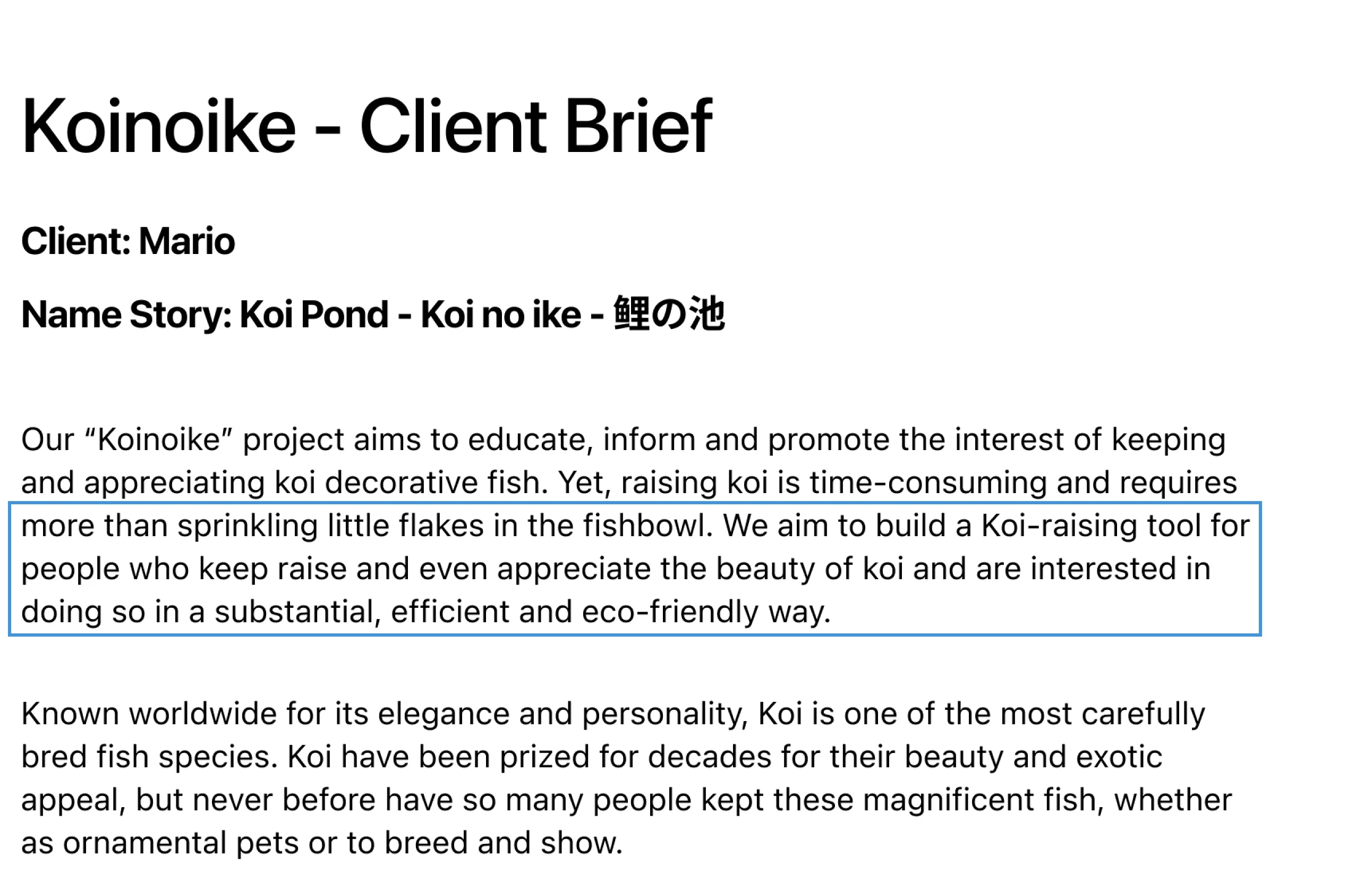
This project is conceived as a part of the advanced coursework at the University of Michigan, School of Information. We are asked to completing User Interface Design to respond effectively to client needs.

This project is conceived as a part of the advanced coursework at the University of Michigan, School of Information. We are asked to completing User Interface Design to respond effectively to client needs.

(Requirement from Cooperative client)

(Requirement from Cooperative client)

So, Client wants a :

So, Client wants a :

Koi-Raising

Tool

Time-Saving

Tool

User-Friendly

Tool
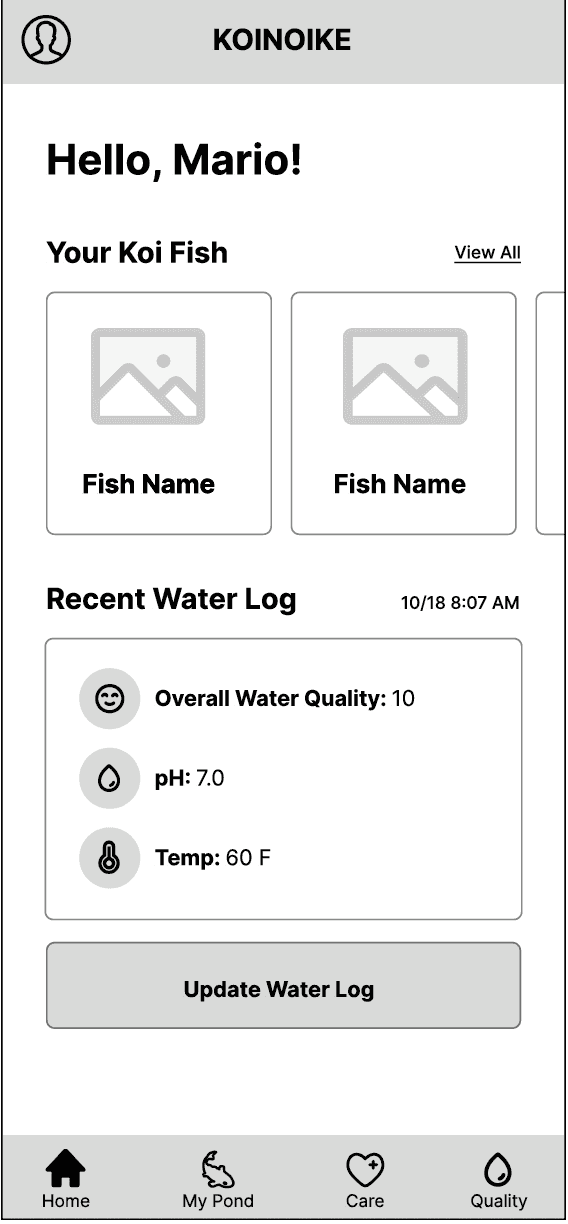
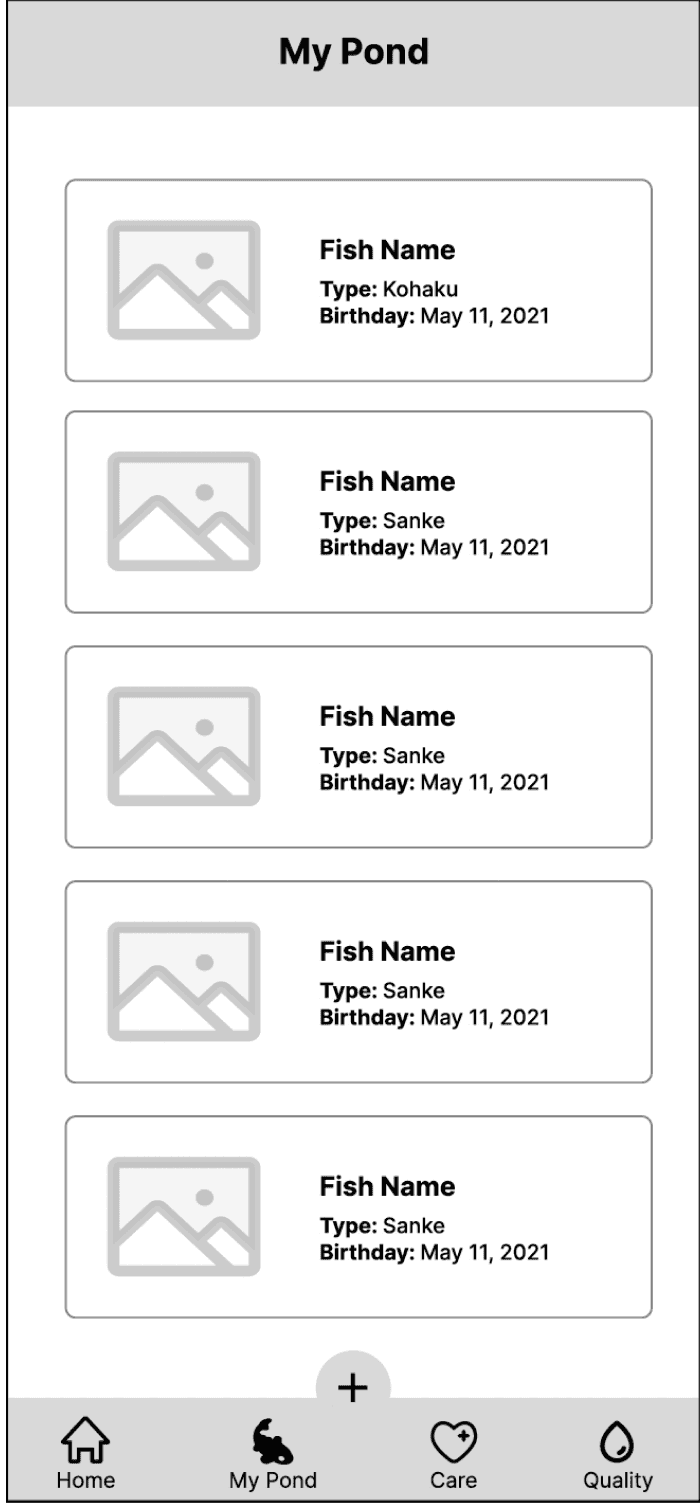
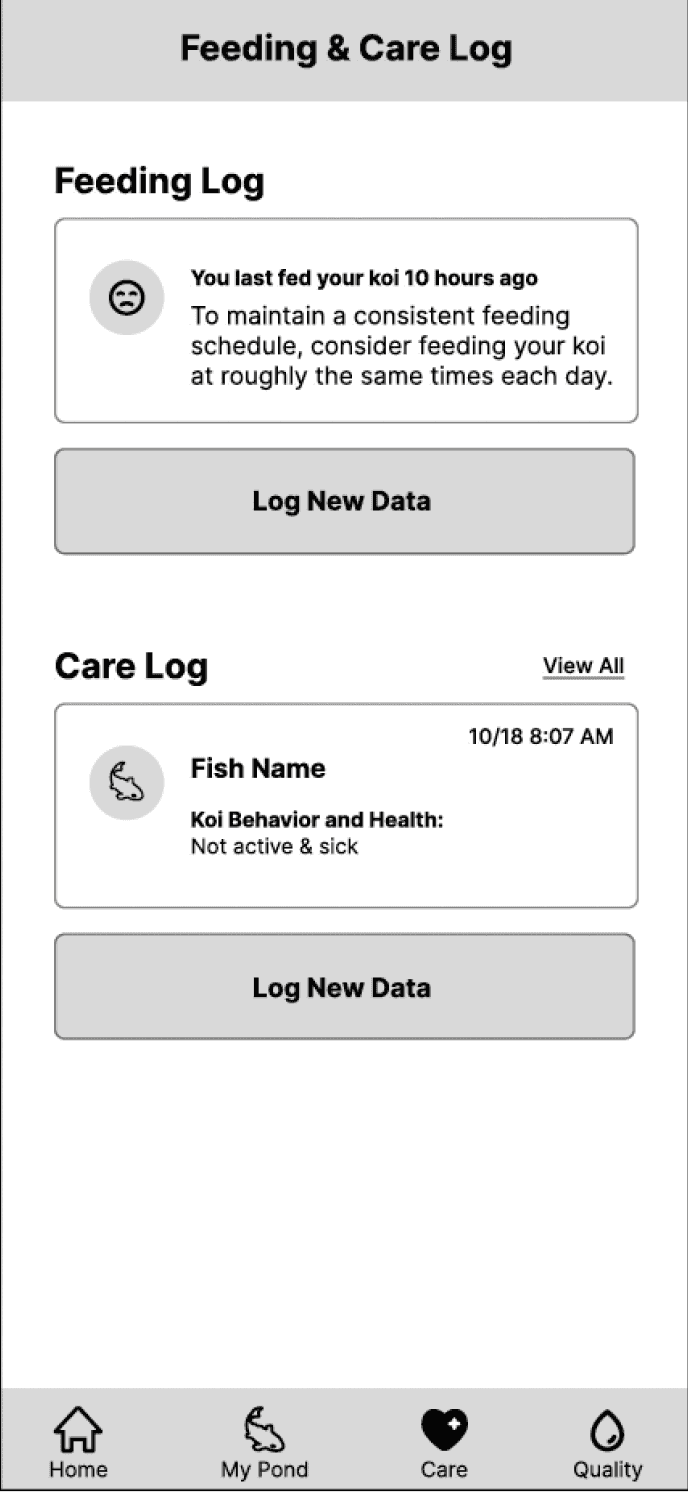
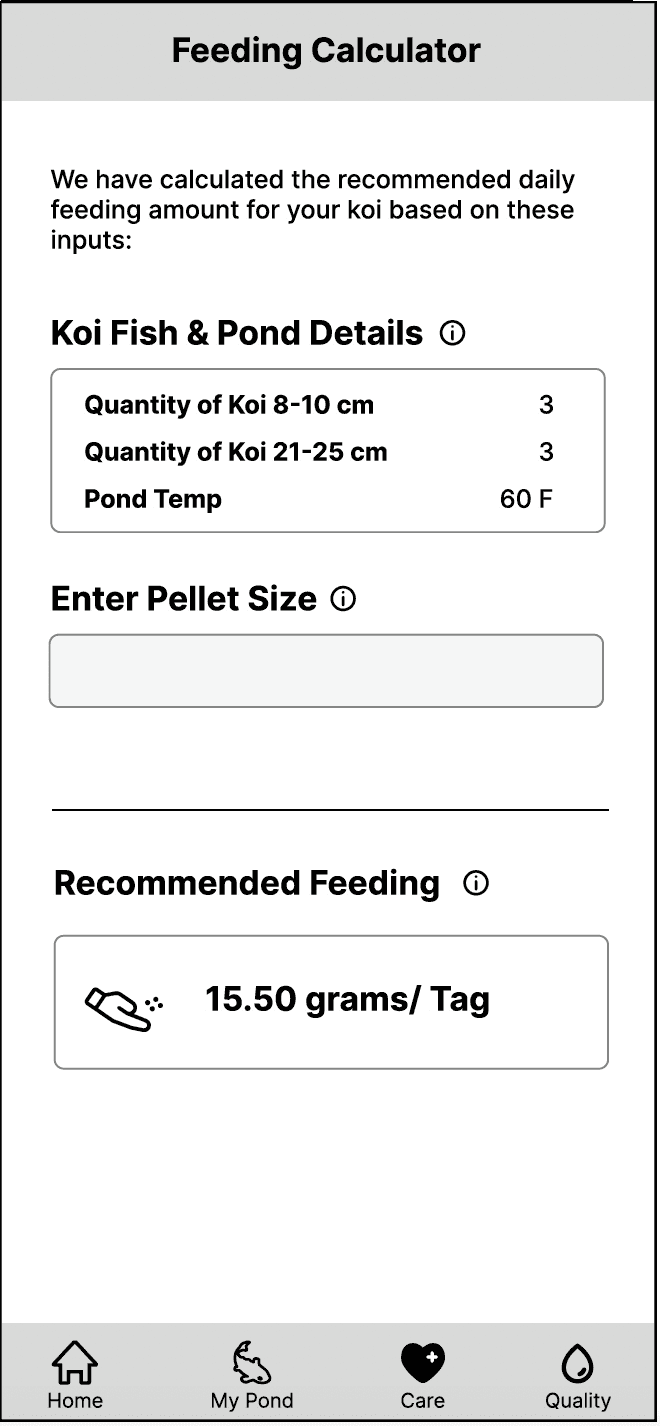
Wireframe

Wireframe

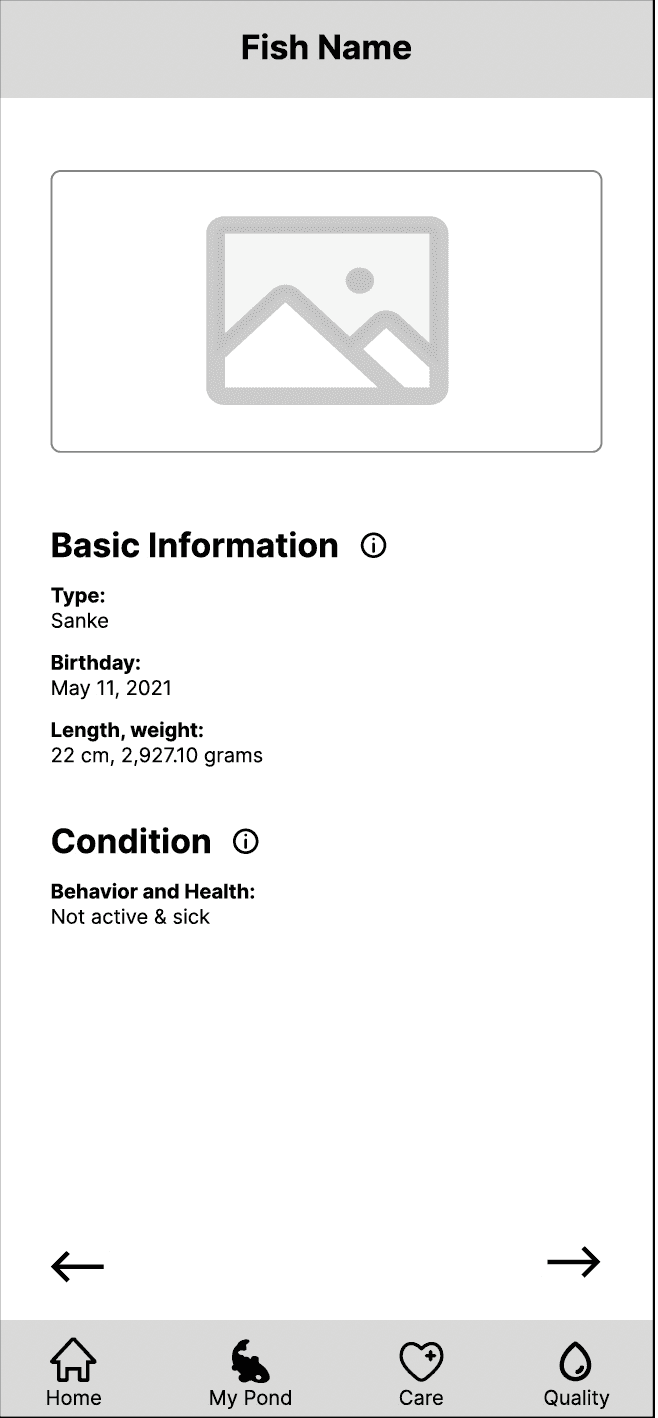
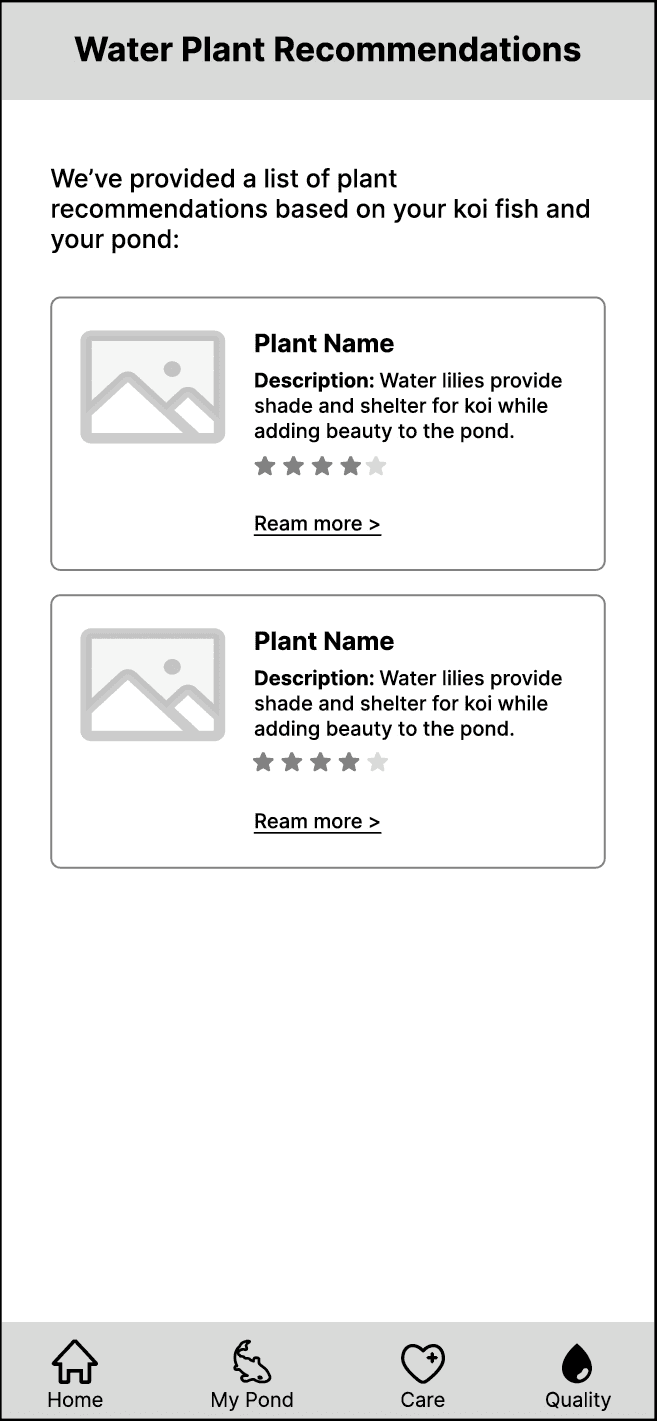
We have received six wireframes from the course GSIs, and our task is to transform these initial concepts into high-fidelity designs.

We have received six wireframes from the course GSIs, and our task is to transform these initial concepts into high-fidelity designs.

Dashboard

Fish List

Feeding & Care

Fish Feed

Fish List
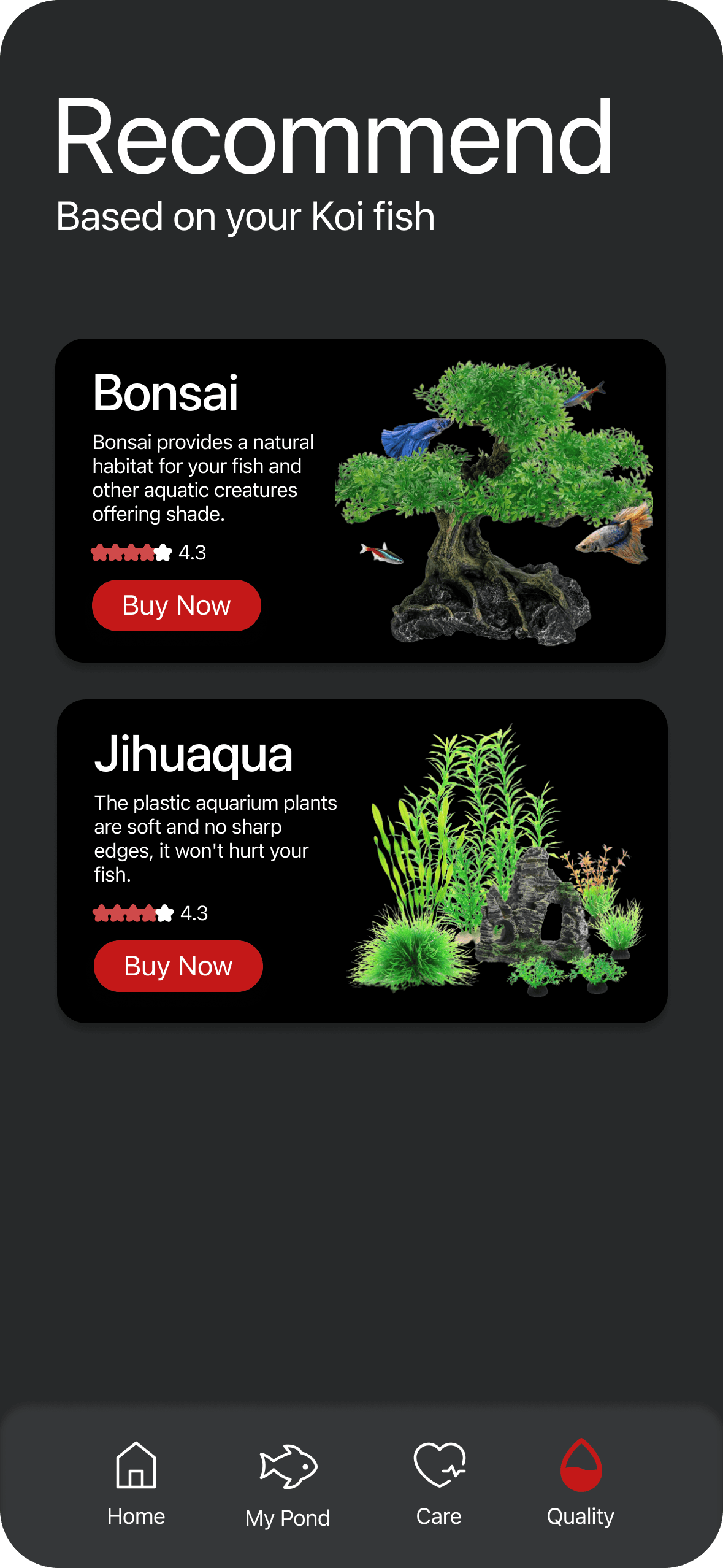
Recommend plants
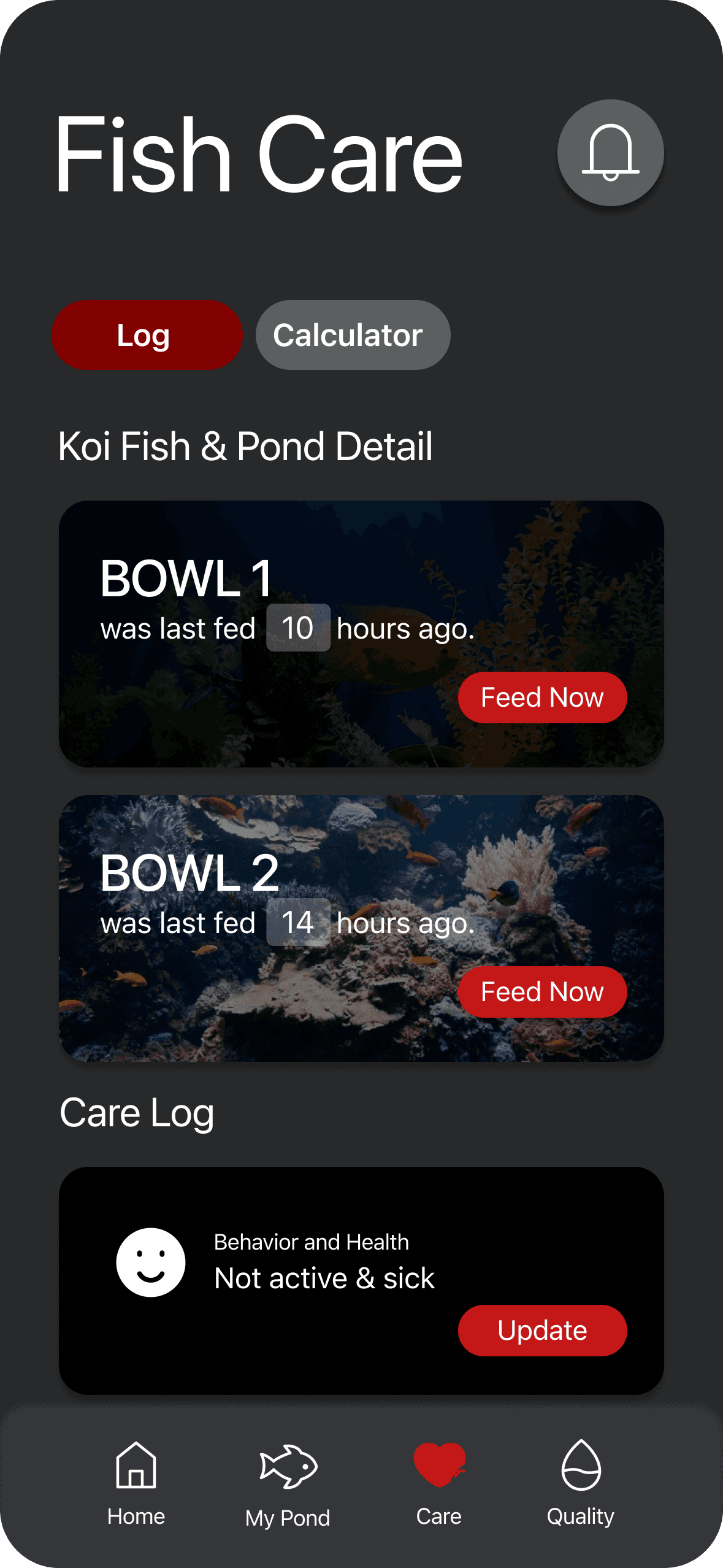
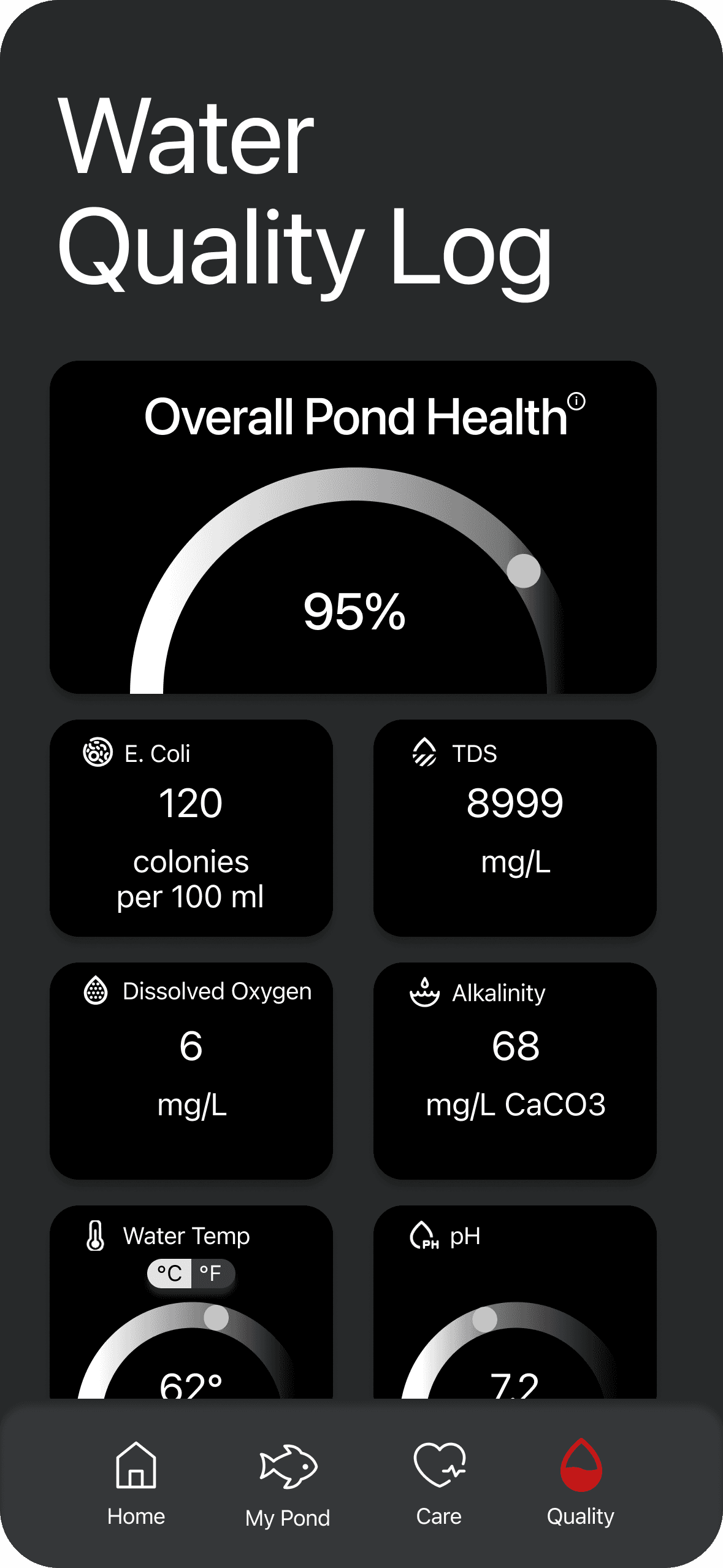
Hi-Fi Design (1.0)

Hi-Fi Design (1.0)

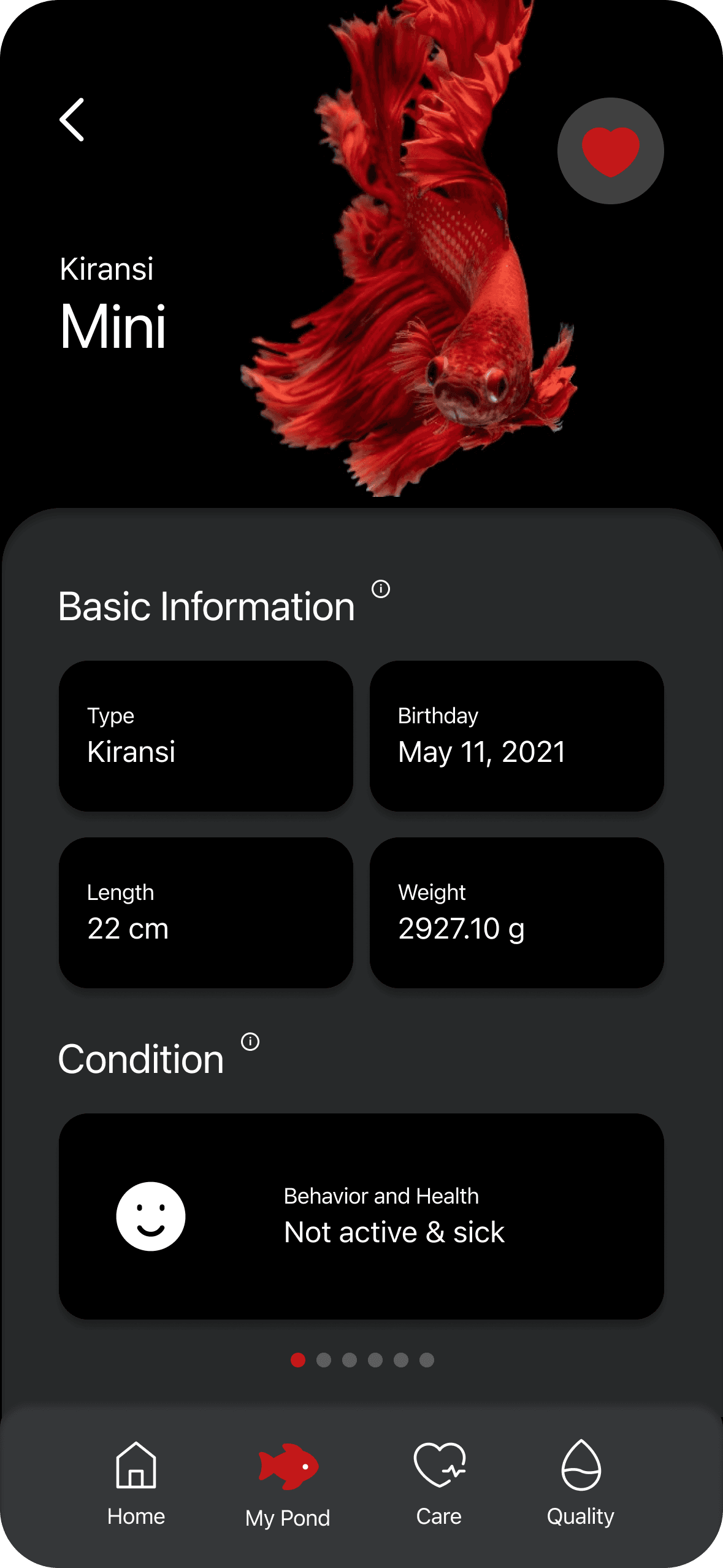
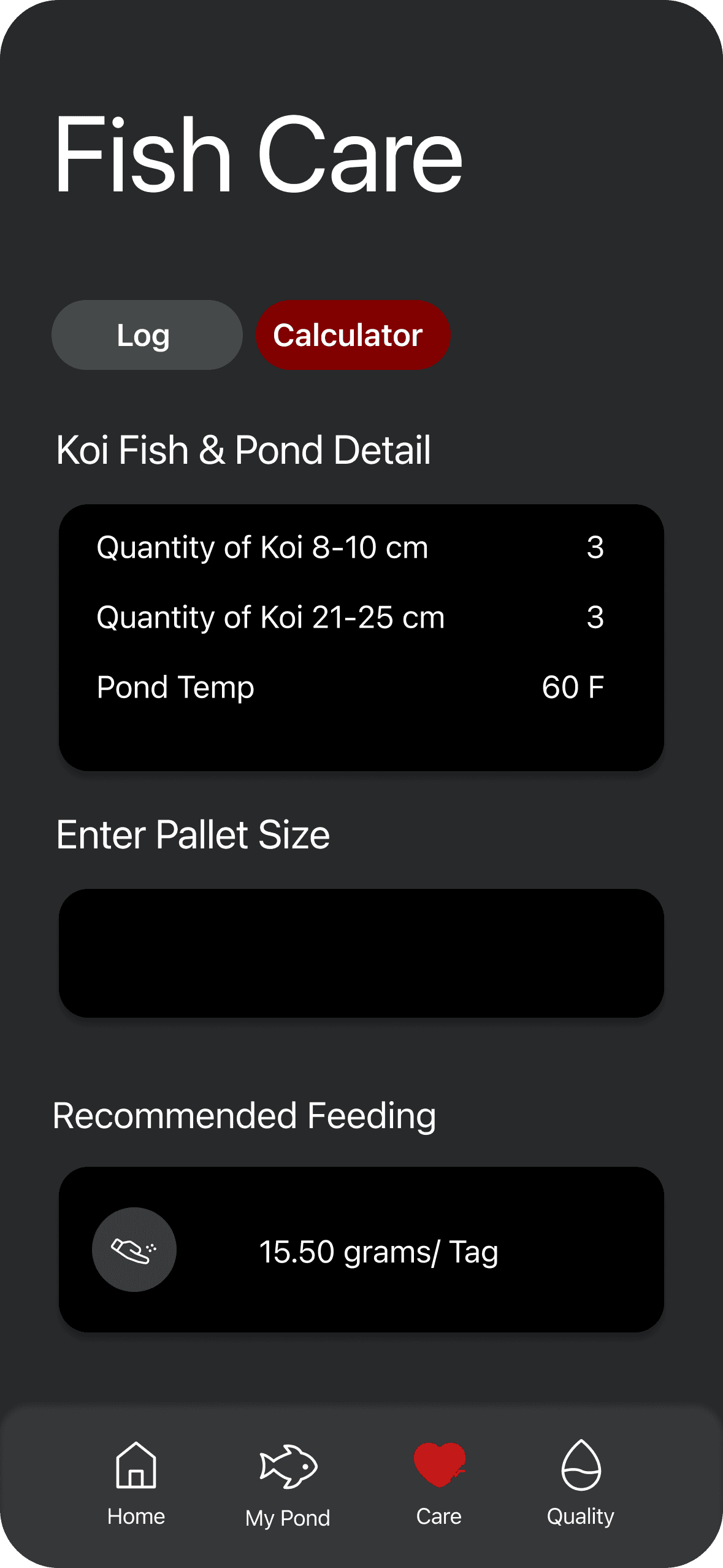
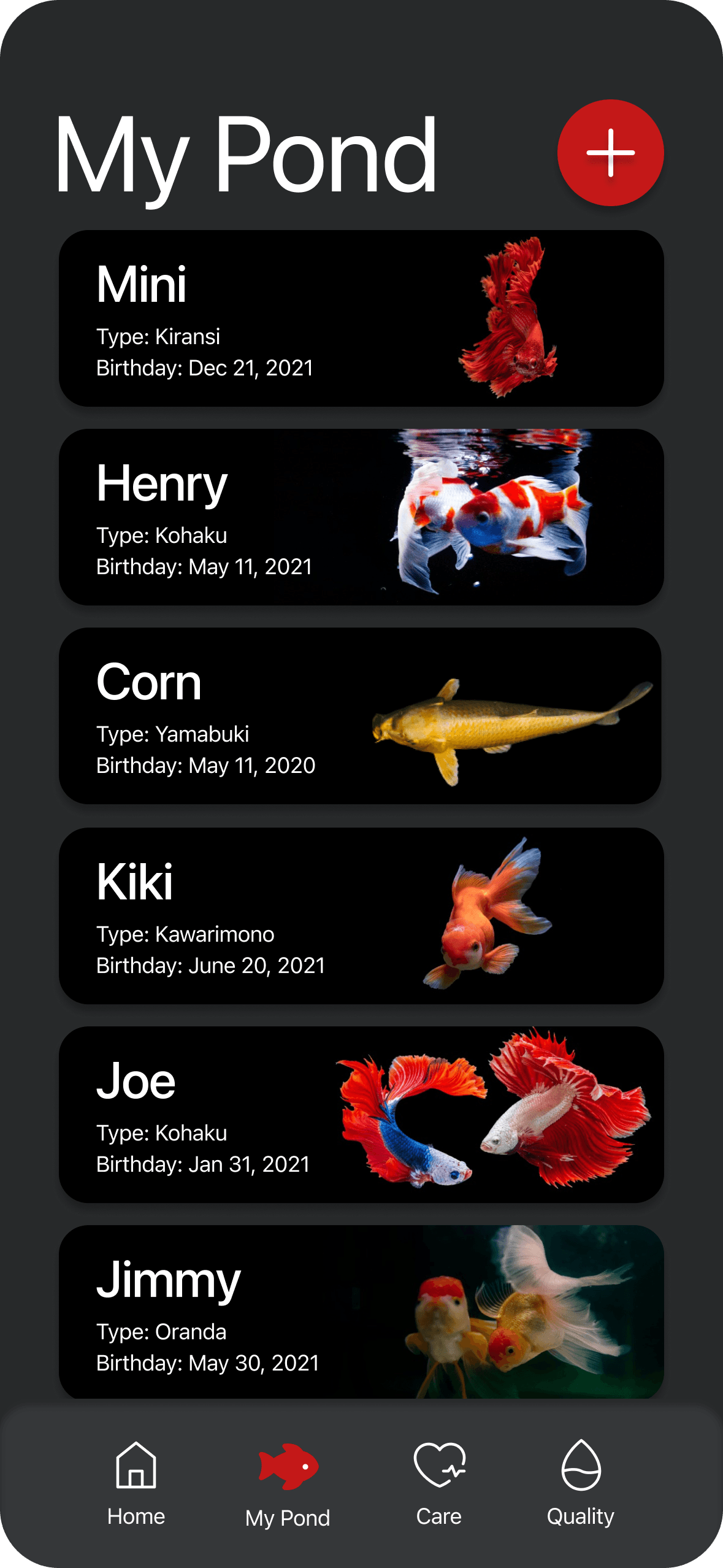
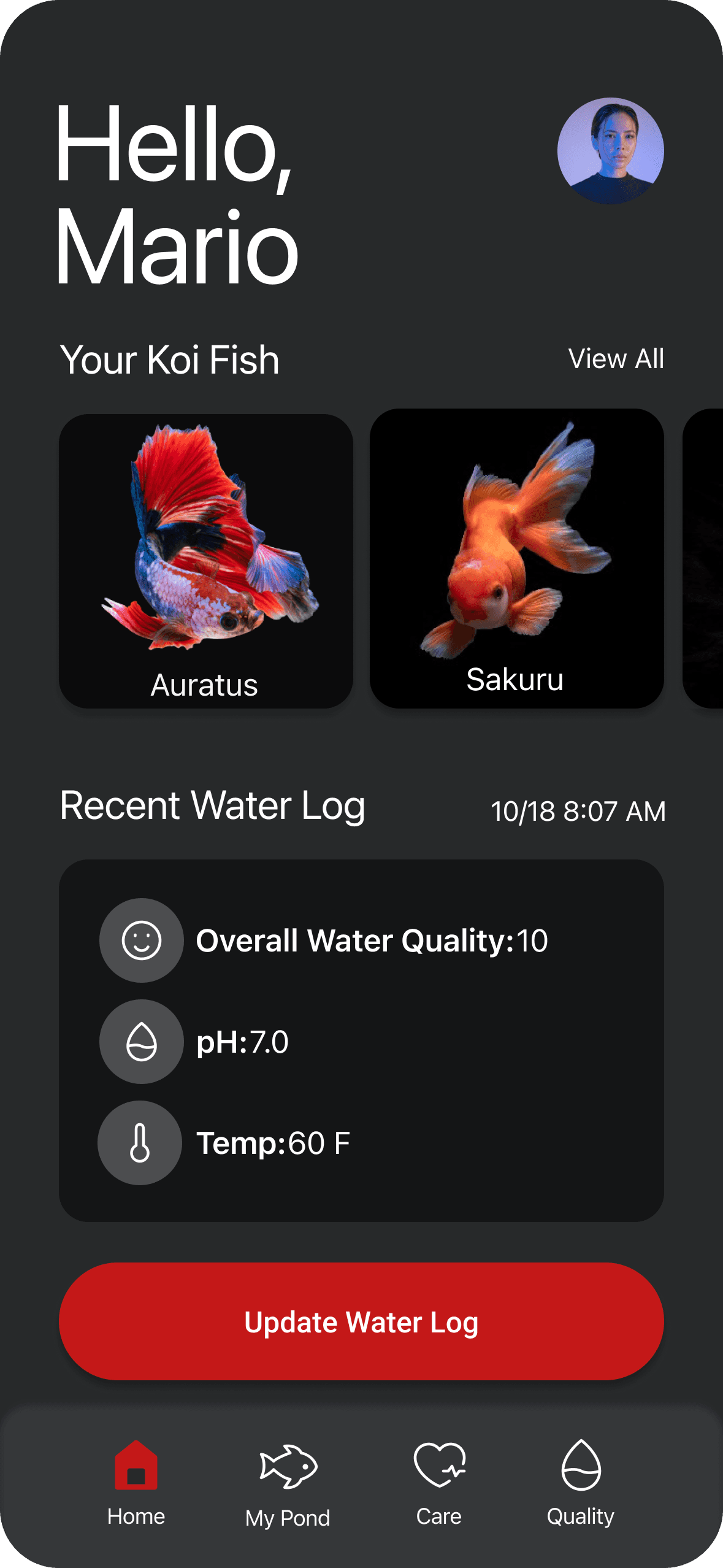
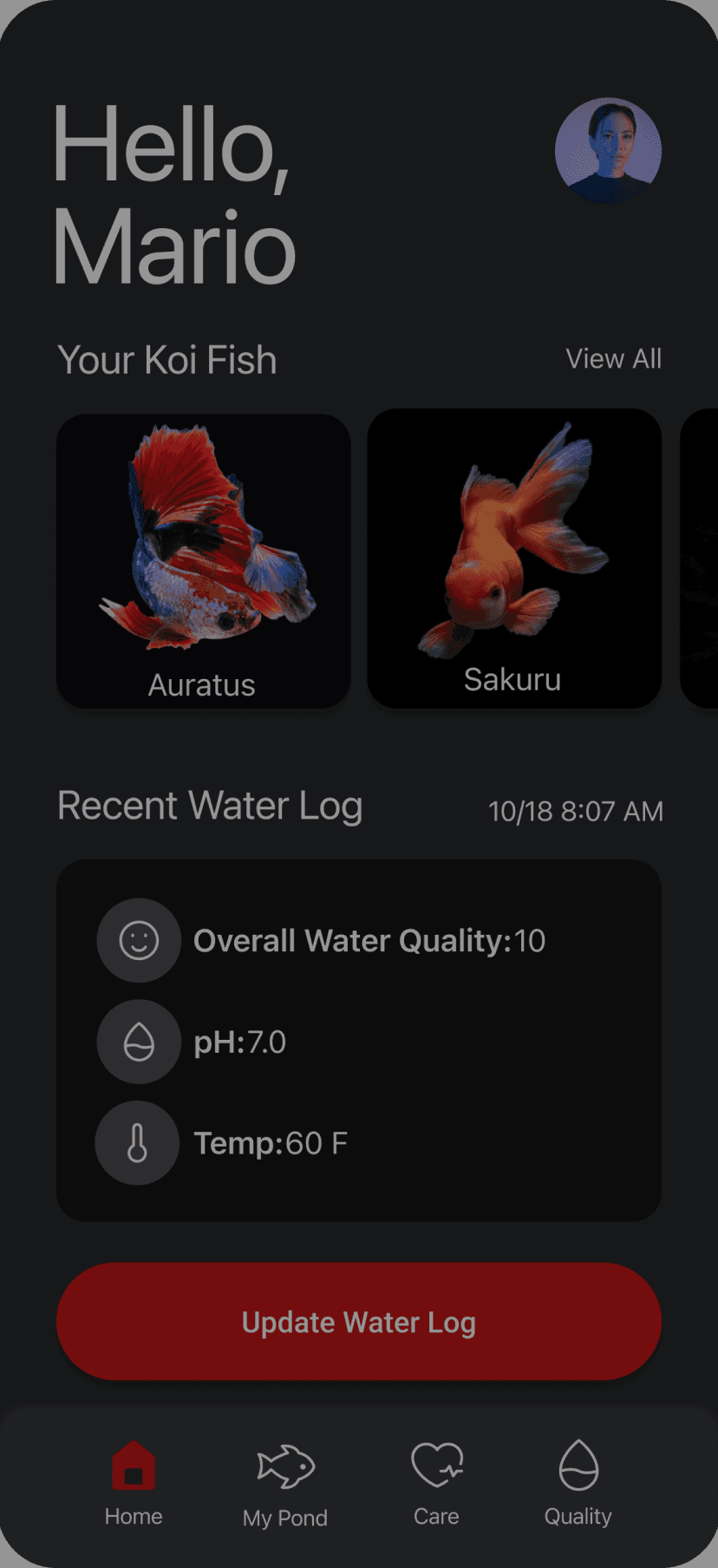
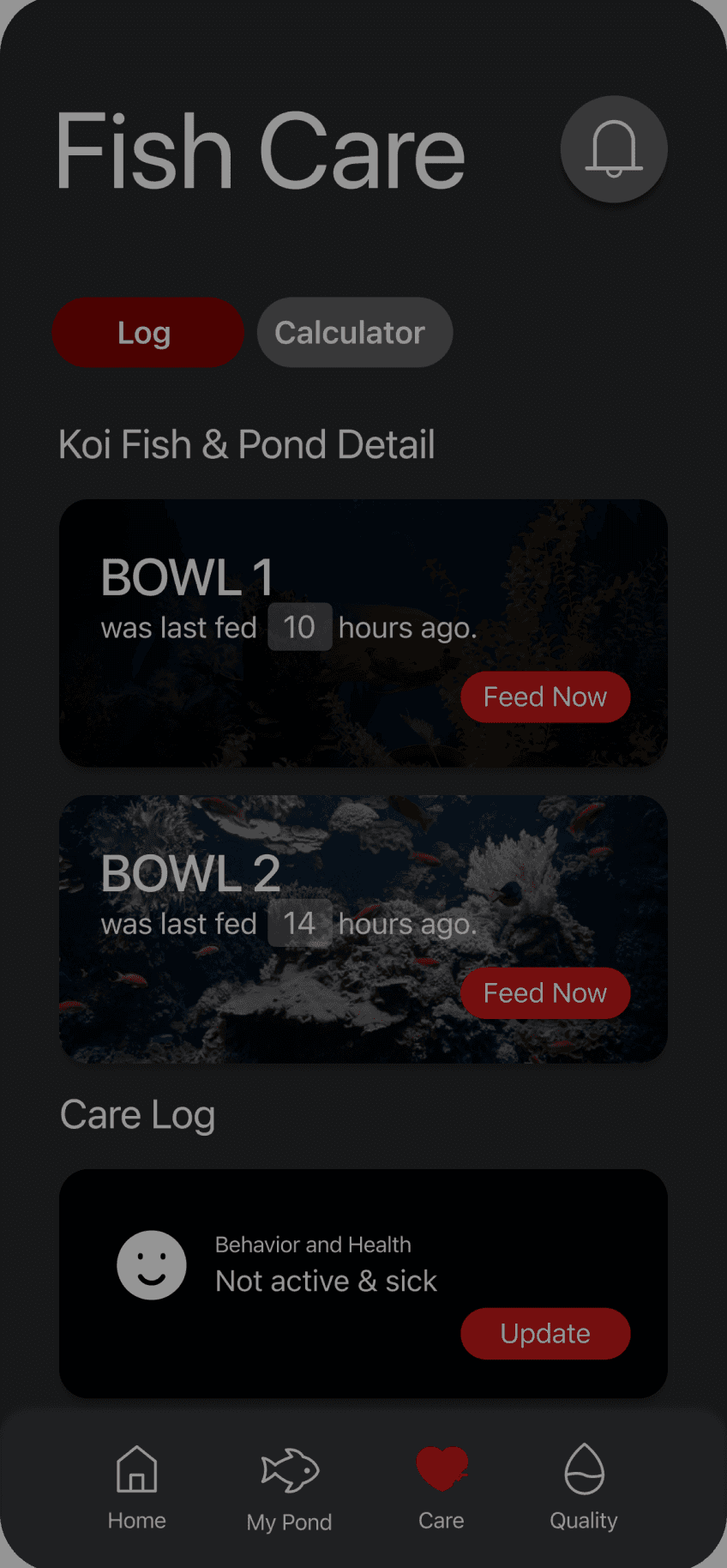
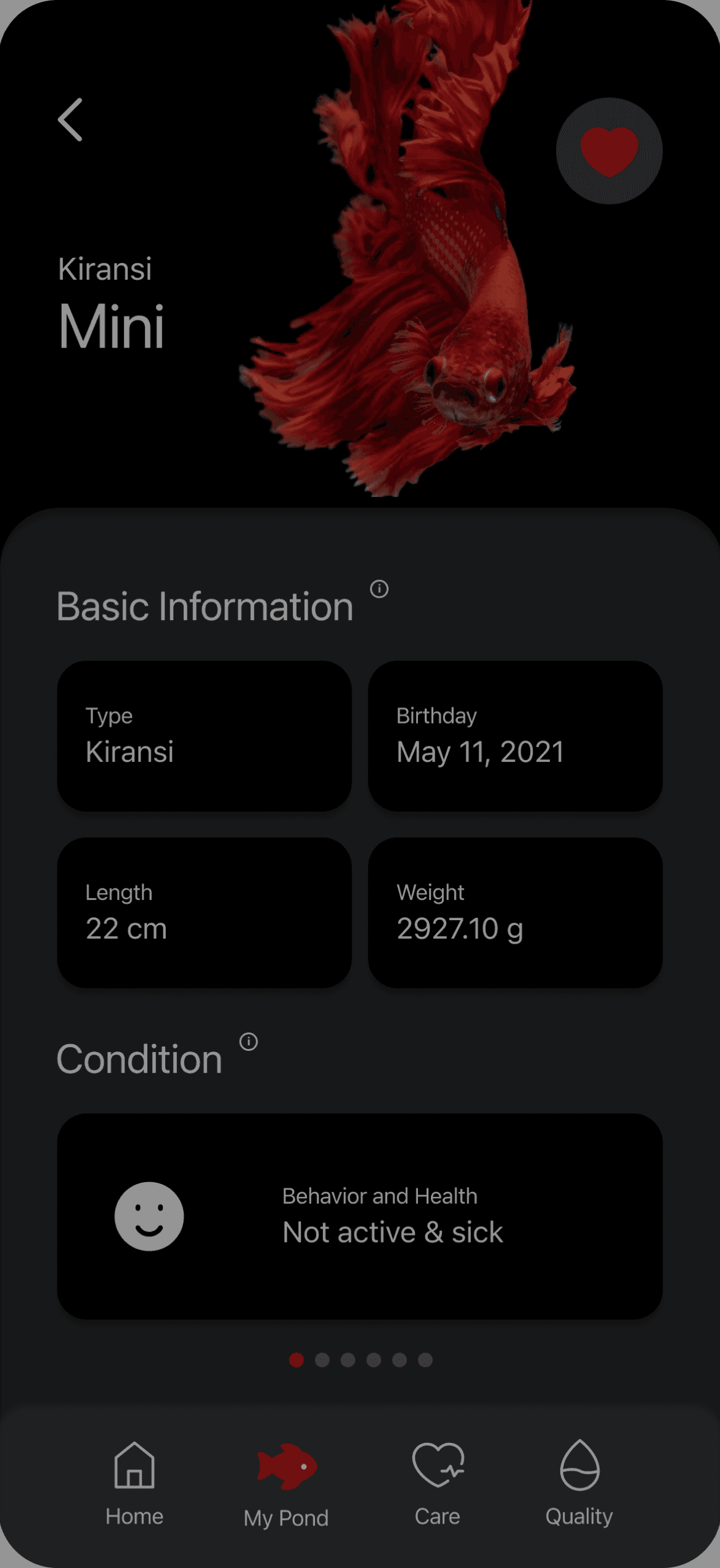
When I was working on the first step, I focused more on the visual aspect, paying attention to how to transform the wireframe into a more unified part, but I overlooked that the wireframe itself also had some issues.

When I was working on the first step, I focused more on the visual aspect, paying attention to how to transform the wireframe into a more unified part, but I overlooked that the wireframe itself also had some issues.

Usability Testing Results

Usability Testing Results

  1. The layout requires increased spacing to improve clarity and readability.

  2. Utilizing red as a primary color may unintentionally imply danger, which could be misleading.

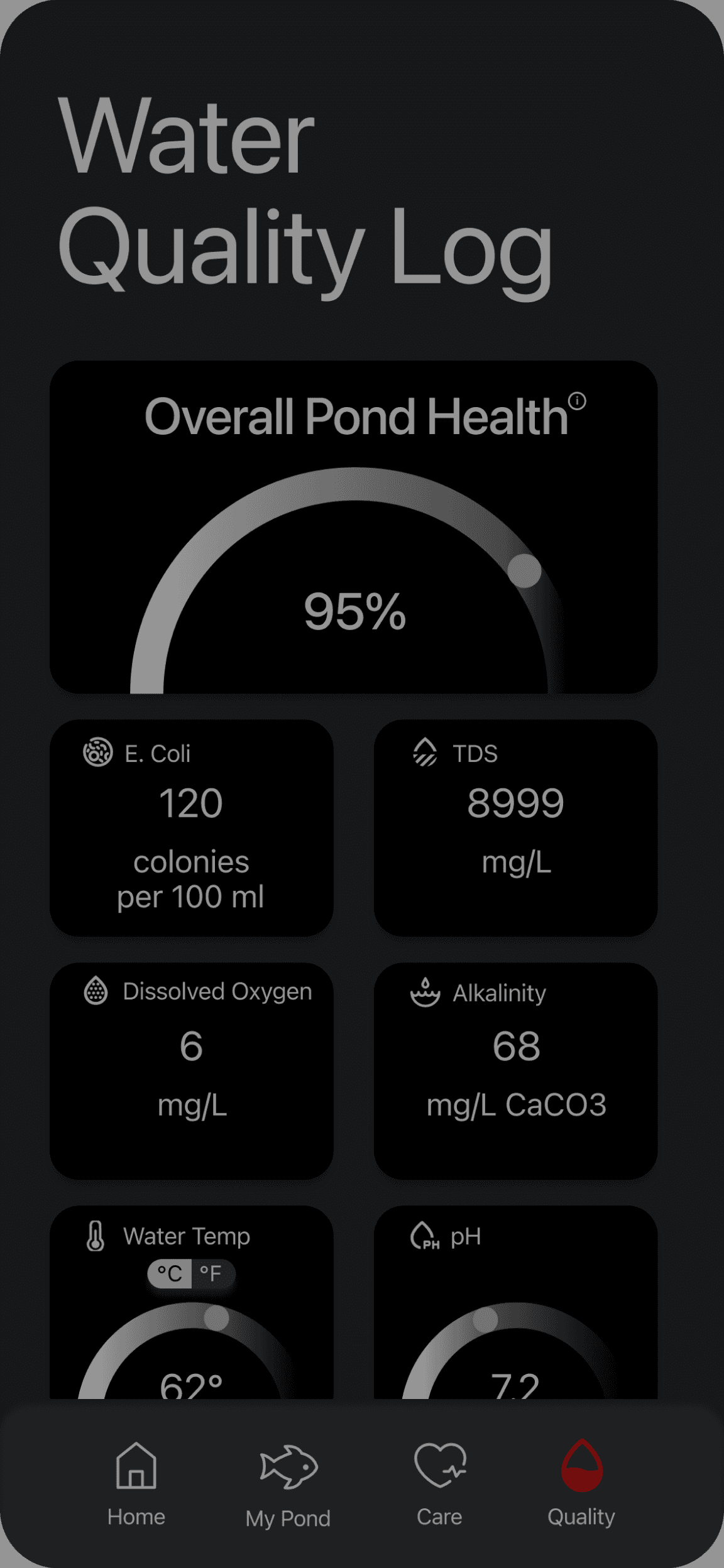
  3. The water quality log needs to be more prominently highlighted for easier accessibility.

  4. The current structure of the UI kit is vague; it's crucial to refine it to ensure practicality and usability.

  1. The layout requires increased spacing to improve clarity and readability.

  2. Utilizing red as a primary color may unintentionally imply danger, which could be misleading.

  3. The water quality log needs to be more prominently highlighted for easier accessibility.

  4. The current structure of the UI kit is vague; it's crucial to refine it to ensure practicality and usability.

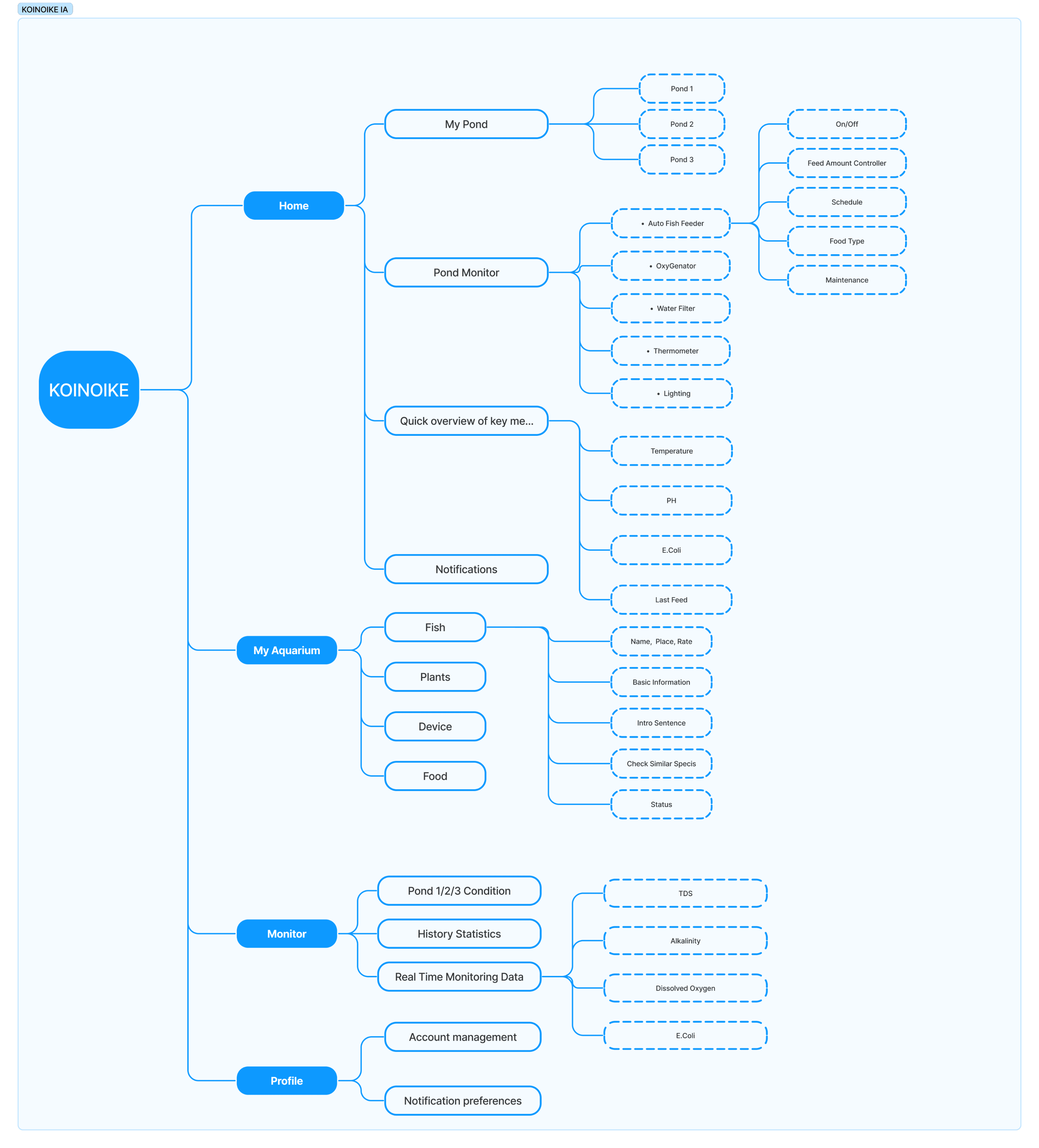
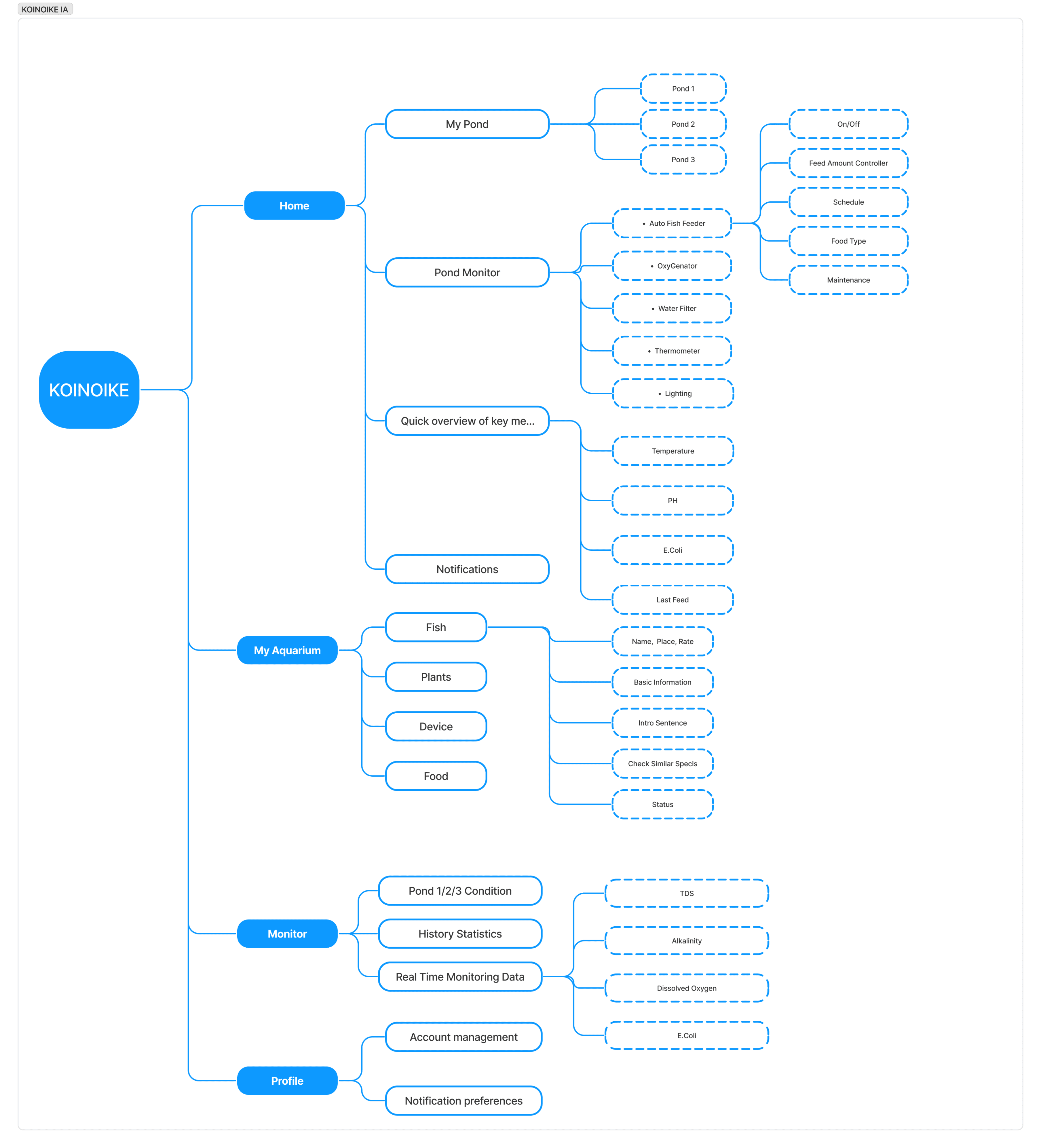
To respond to the issues in the Usability Testing, I reorganized all the information and redeveloped an Information Architecture accordingly.

To respond to the issues in the Usability Testing, I reorganized all the information and redeveloped an Information Architecture accordingly.

UX Iteration (2.0)

UX Iteration (2.0)

Improving user experience through effective design patterns.

Improving user experience through effective design patterns.

OLD

NEW

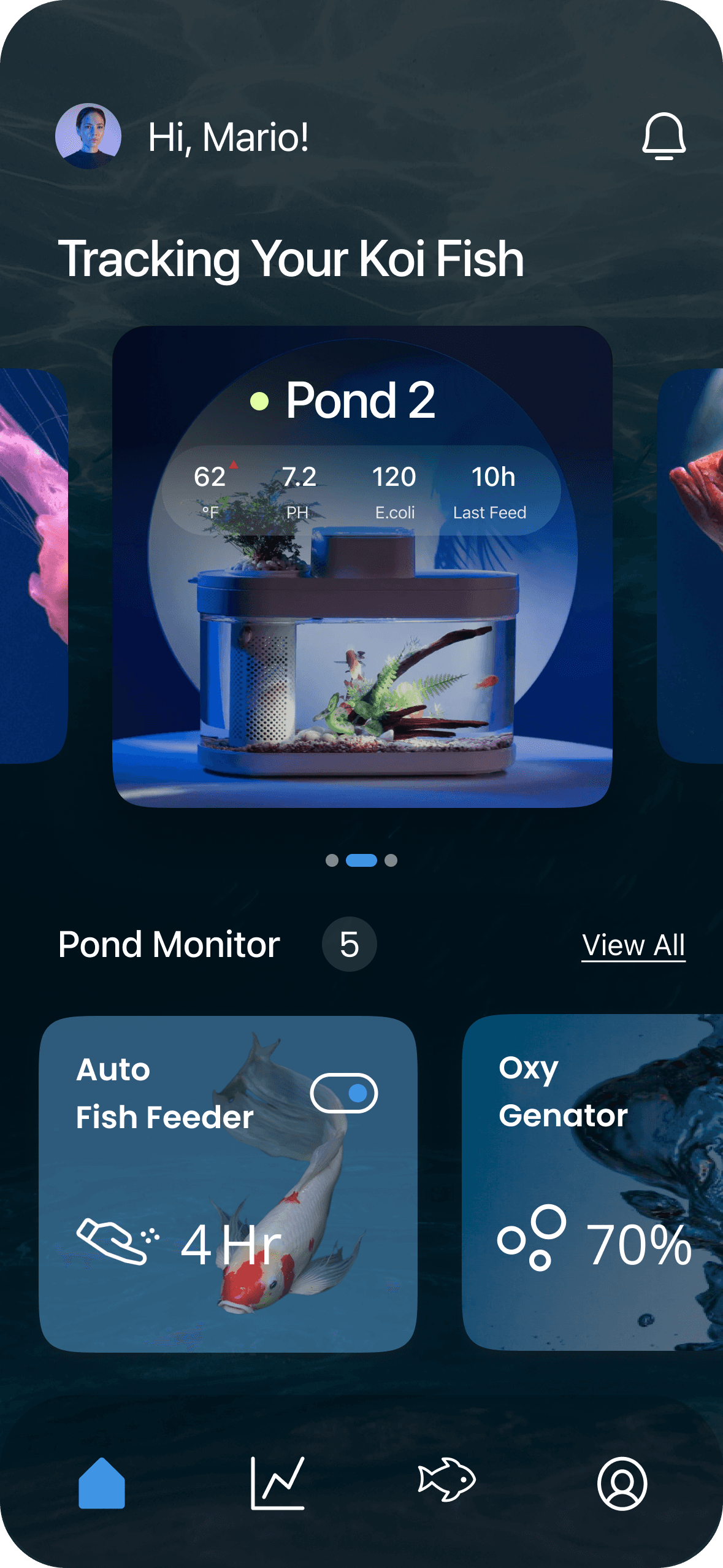
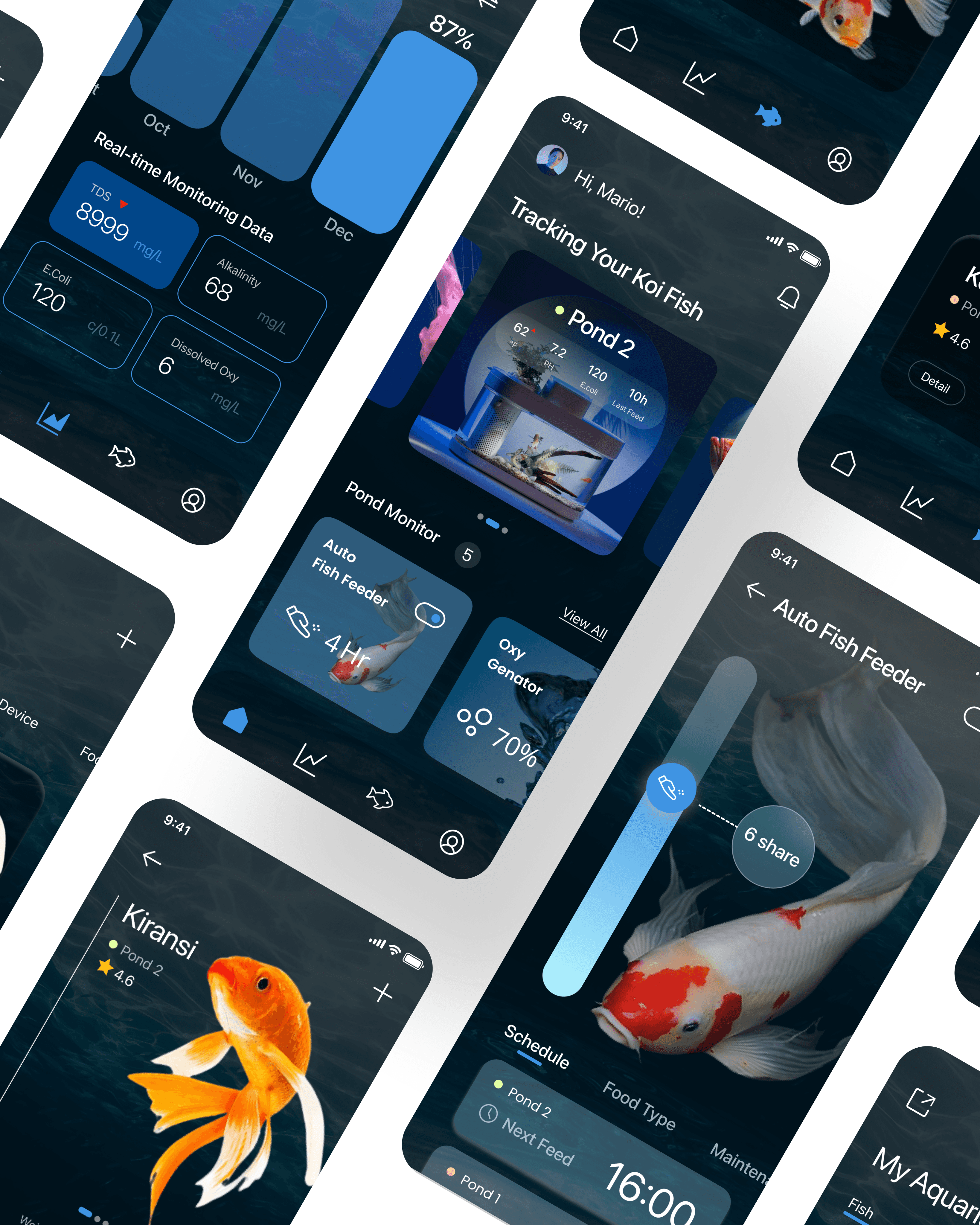
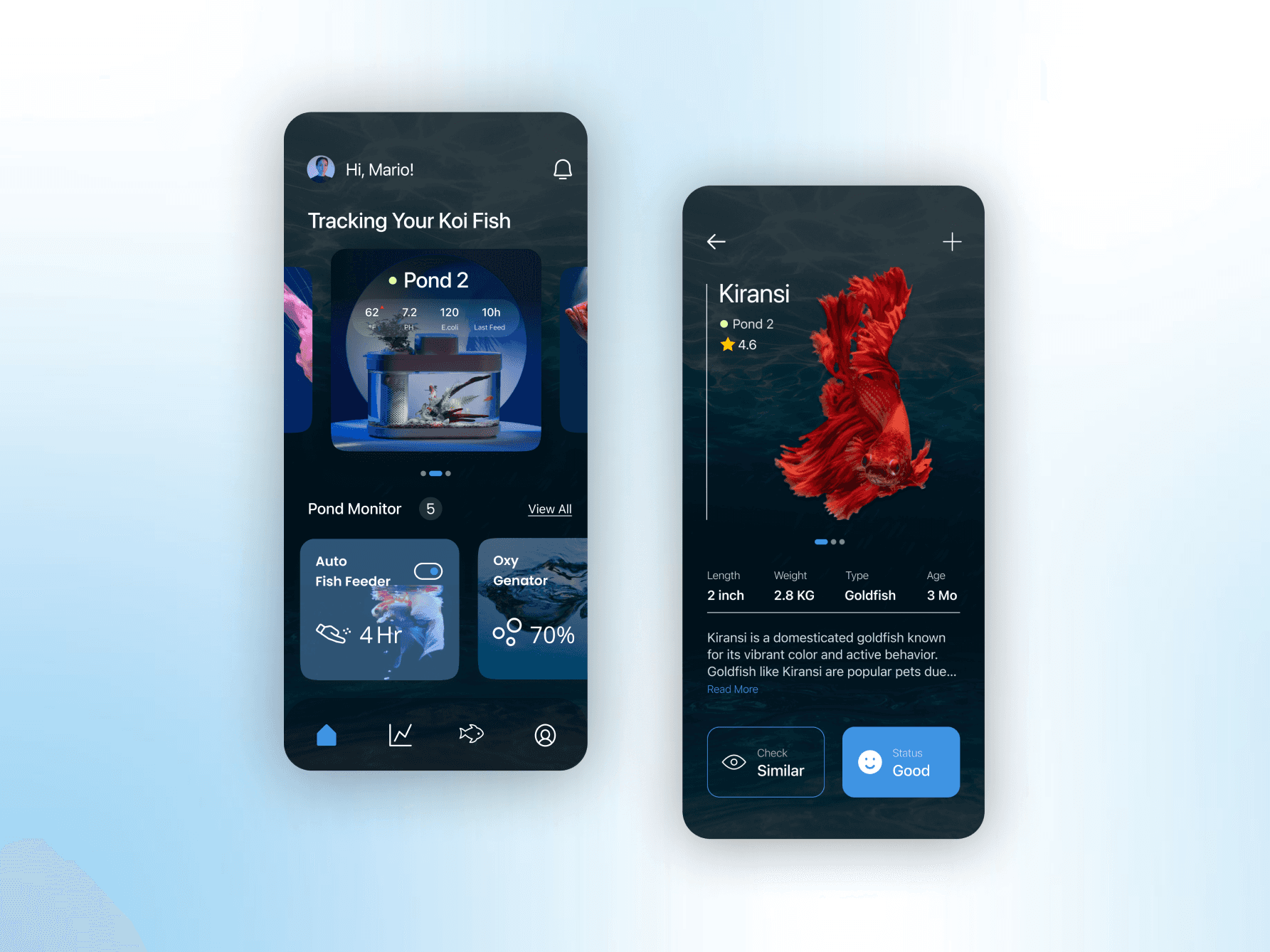
Smart Dashboard

Seamless integration of manageable water data and real-time interactive smart devices.

OLD

NEW

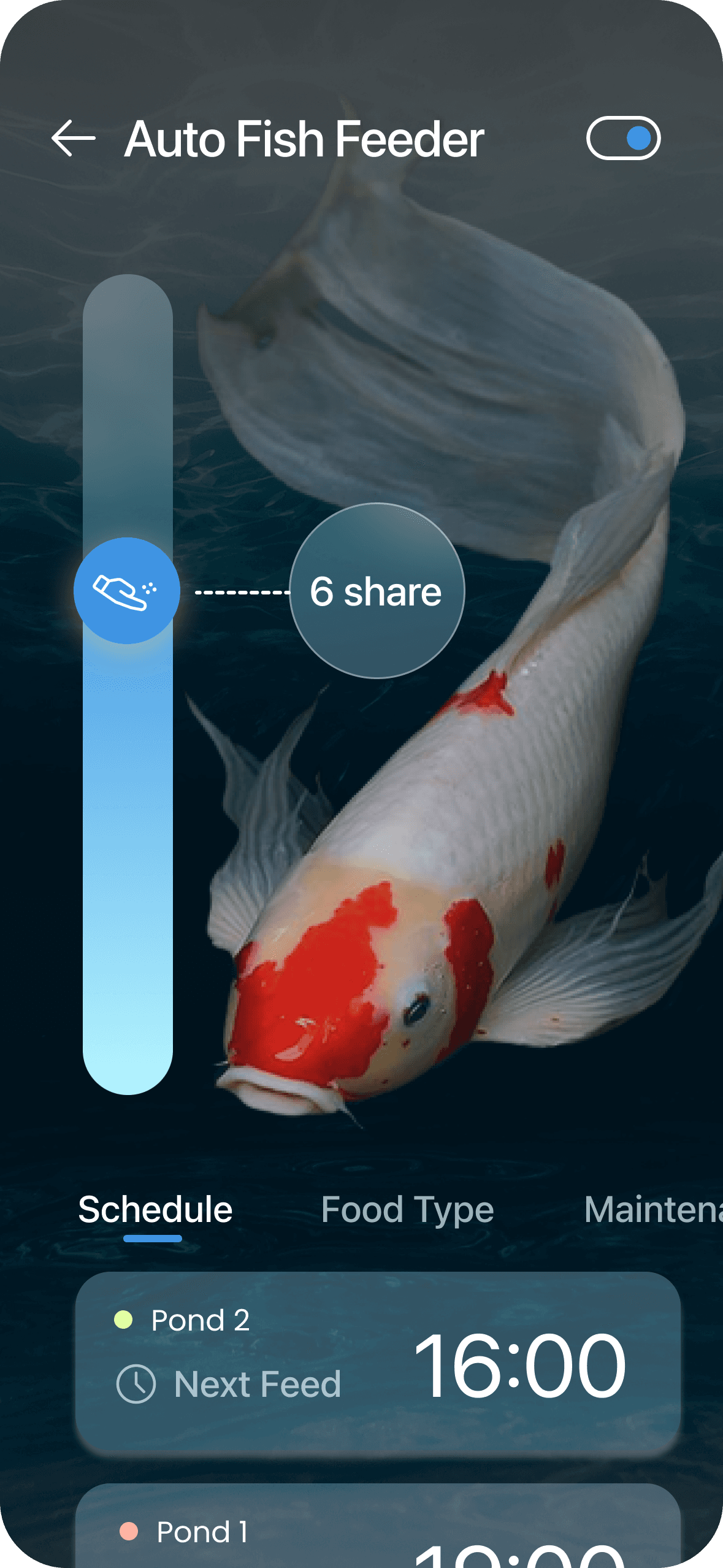
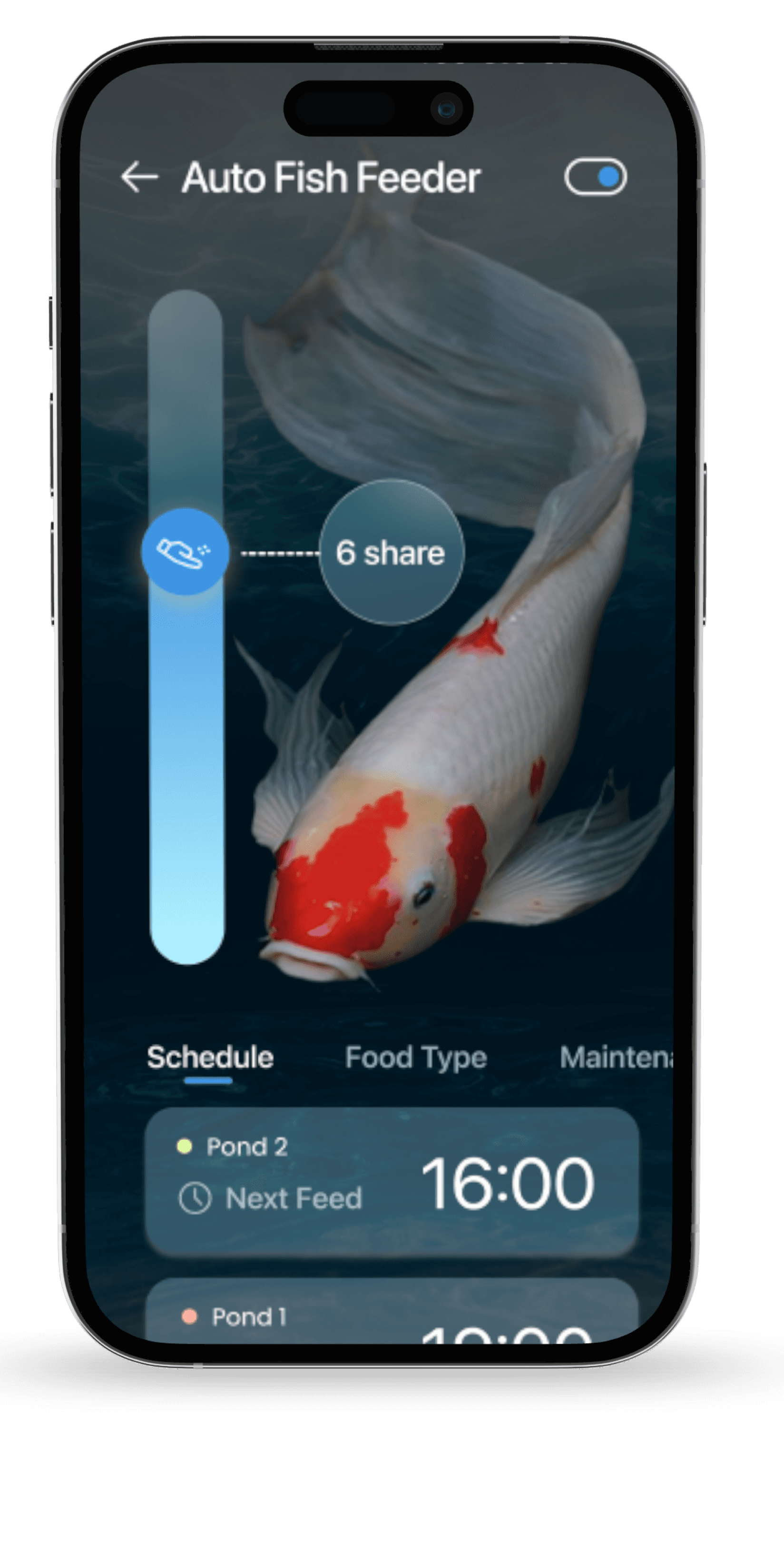
Auto Fish Feeder Detailed Interface

Easy feeding, scheduling, and maintenance for a happier aquarium.

OLD

NEW

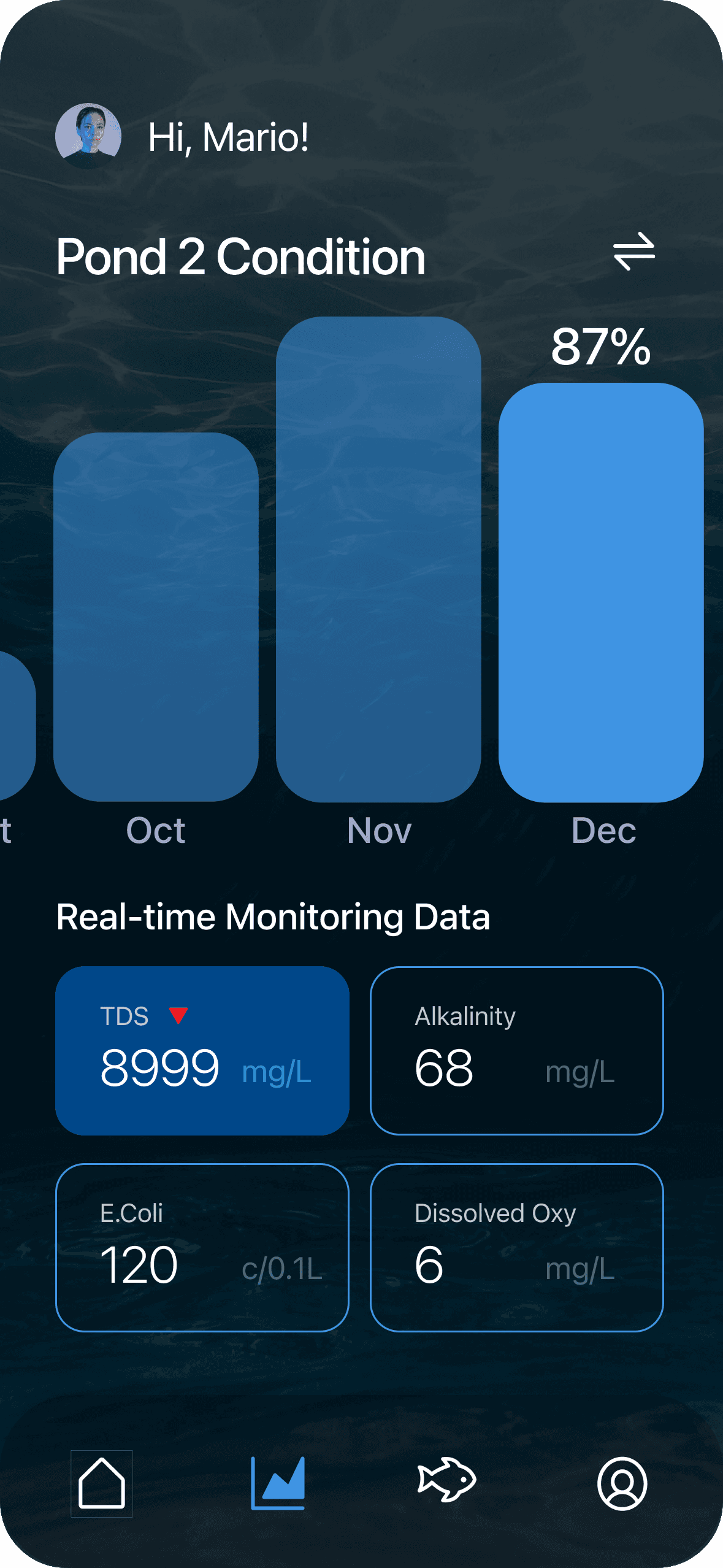
Real-Time Data Management

Track and see the health condition trends of different ponds at a glance.

OLD

NEW

AquaLife Hub

Combining fish lists with recommended aquatic plants in one spot.
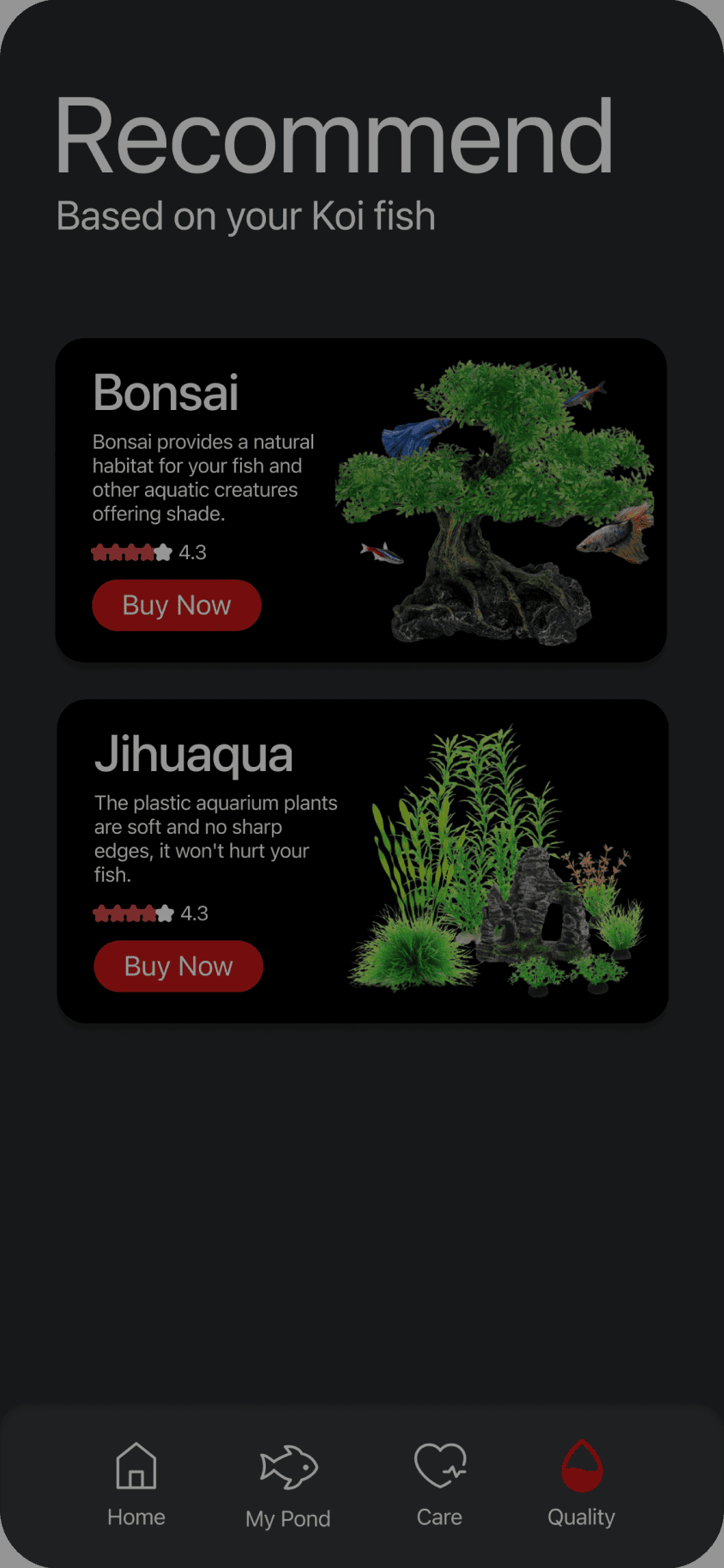
OLD

NEW

AquaGrowth Wikipedia

One-click access to track the growth status of any aquatic life.
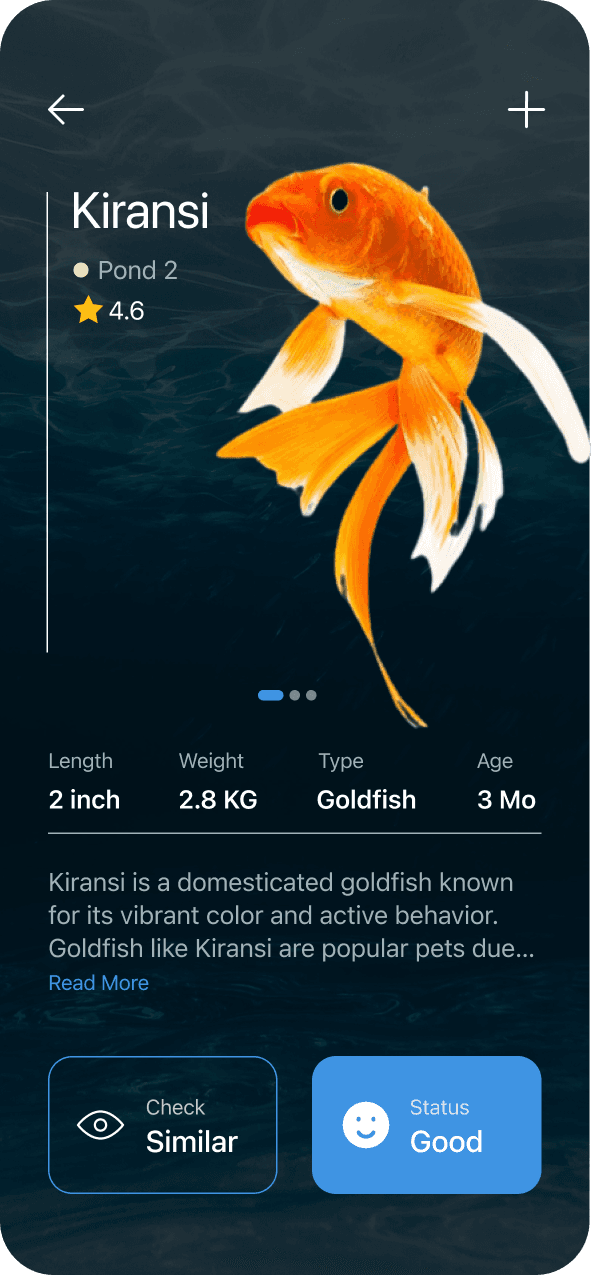
UI Iteration

UI Iteration

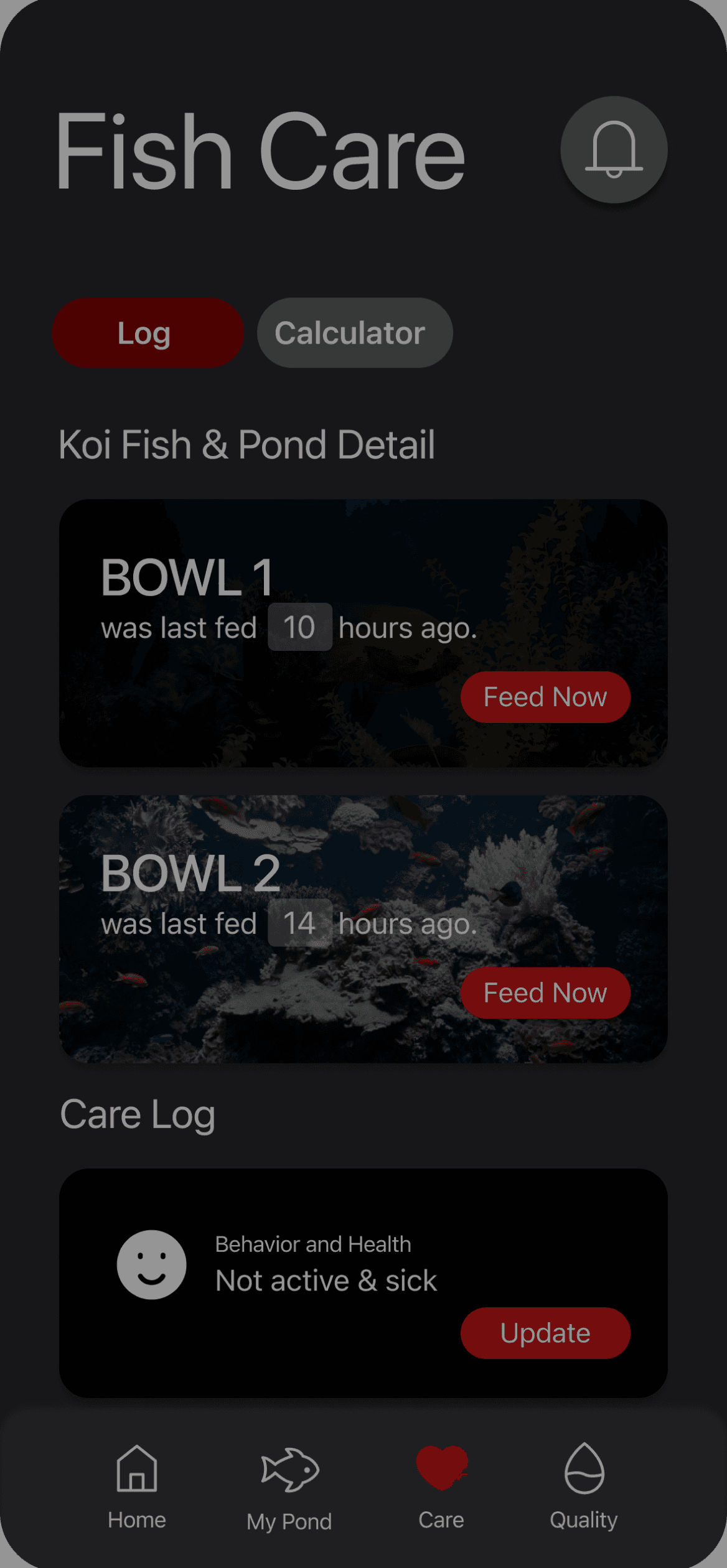
  1. Color Scheme Update: Transition from the current red theme to a more tranquil, water-inspired blue hue. This change aims to evoke a sense of calm and affinity with aquatic environments, enhancing the overall user experience.

Red is Koi-related, but also represents error or danger in western world.

Blue, creating a thematic connection to the aquatic environment of koi fish

#CF4A4A

#3F94E3

  1. Visual Hierarchy Optimization: Implement refined visual modifications to emphasize key information on each page. This involves strategically utilizing design elements to draw user attention to the most critical data and features, ensuring a seamless and intuitive navigation experience."

TDS

8999

mg/L

E.Coli

120

c/0.1L

Alkalinity

68

mg/L

Dissolved Oxy

6

mg/L

  1. The layout requires increased spacing to improve clarity and readability.

  2. Utilizing red as a primary color may unintentionally imply danger, which could be misleading.

  3. The water quality log needs to be more prominently highlighted for easier accessibility.

  4. The current structure of the UI kit is vague; it's crucial to refine it to ensure practicality and usability.

  1. The layout requires increased spacing to improve clarity and readability.

  2. Utilizing red as a primary color may unintentionally imply danger, which could be misleading.

  3. The water quality log needs to be more prominently highlighted for easier accessibility.

  4. The current structure of the UI kit is vague; it's crucial to refine it to ensure practicality and usability.

UI Kit

UI Kit

Large Title

Title 1

Title 2

Title 3

Headline

Body

Subhead

Aa

SF Pro

A clean design and excellent legibility across a wide range of devices.

Kiransi

Pond 2

Detail

4.6
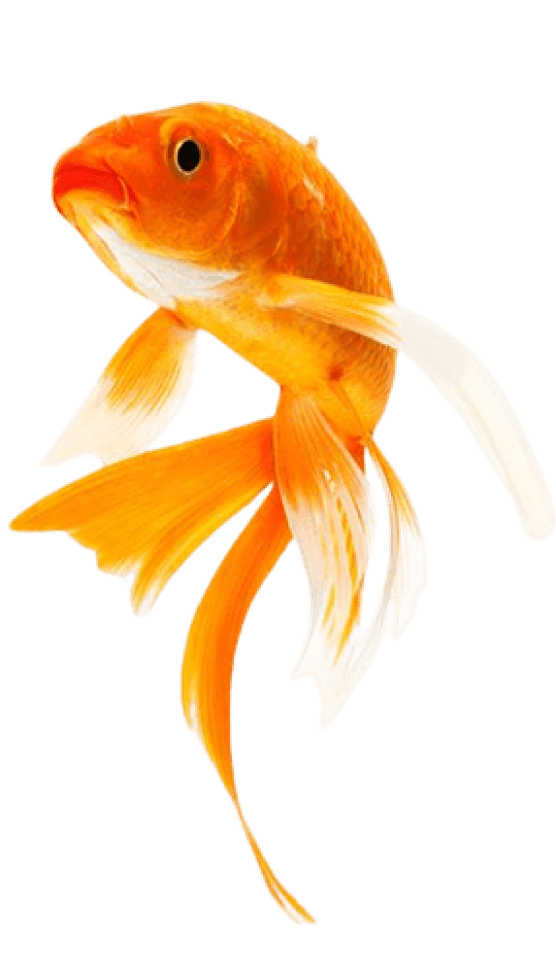
Pond 2

16:00

Next Feed

Alkalinity

68

mg/L

Hi, Mario!

62

7.2

120

10h

PH

E.coli

Last Feed

Auto

Fish Feeder

4

Hr

Tools

Tools

Figma

Chatgpt (for cover smart fish tank)

Adobe Photoshop

Takeaway

  • UI design goes beyond making good-looking apps; it involves improving upon wireframes.

  • Always design thoughtfully, highlighting the most important elements prominently.

  • Structure data visualizations hierarchically to emphasize key information. Clearly indicate primary and secondary data points, guiding viewers on subsequent actions.